
Why Use Advanced Twitter (X) Search?
There are millions of tweets posted daily. Sifting through the noise requires precision.
By combining logical operators, filters, and targeted parameters, you can pinpoint highly specific content. Below is a comprehensive breakdown of advanced Twitter (X) search commands designed for investigators.
1. User Account Specific Searches
These filters let you explore tweets by a particular account.
- All tweets by user
from:JohnDoe123 - Exclude retweets
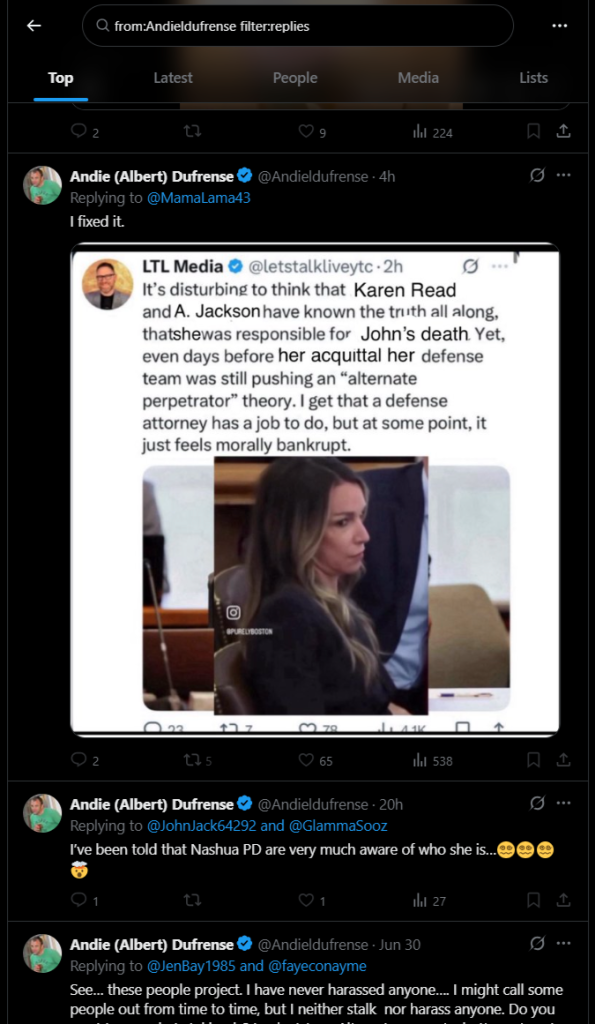
from:JohnDoe123 -filter:retweets - Only replies by user
from:JohnDoe123 filter:replies - Tweets mentioning a user
@JohnDoe123
2. Investigating User Interactions
Track communications between users or mentions.
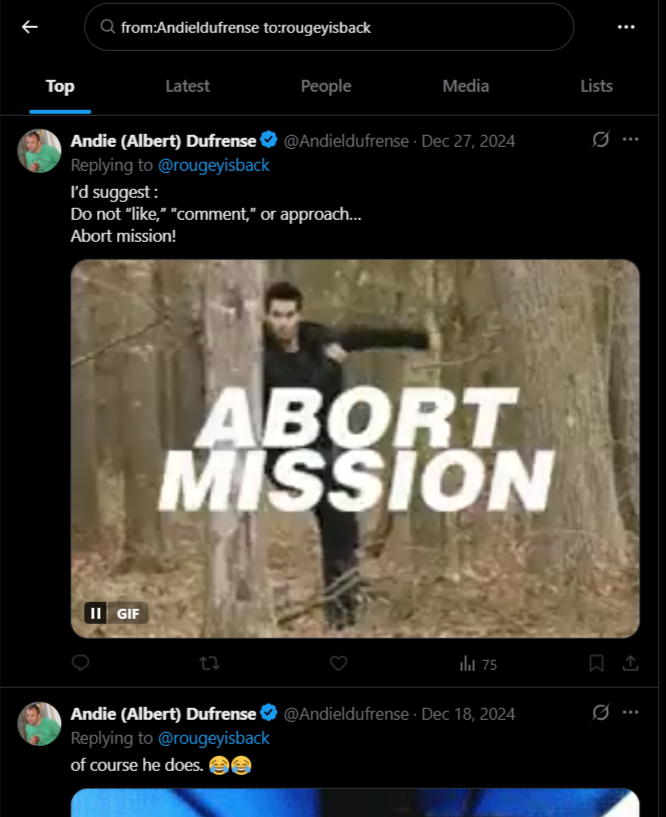
- From one user to another
from:JohnDoe123 to:JaneDoe456 - Tweets mentioning both
@JohnDoe123 @JaneDoe456 - Two-way conversations
(from:JohnDoe123 @JaneDoe456) OR (from:JaneDoe456 @JohnDoe123)
3. Searching by Date Range
Limit searches by date to build timelines or confirm alibis.
- Tweets since a specific date
from:JohnDoe123 since:2024-01-01 - Tweets until a specific date
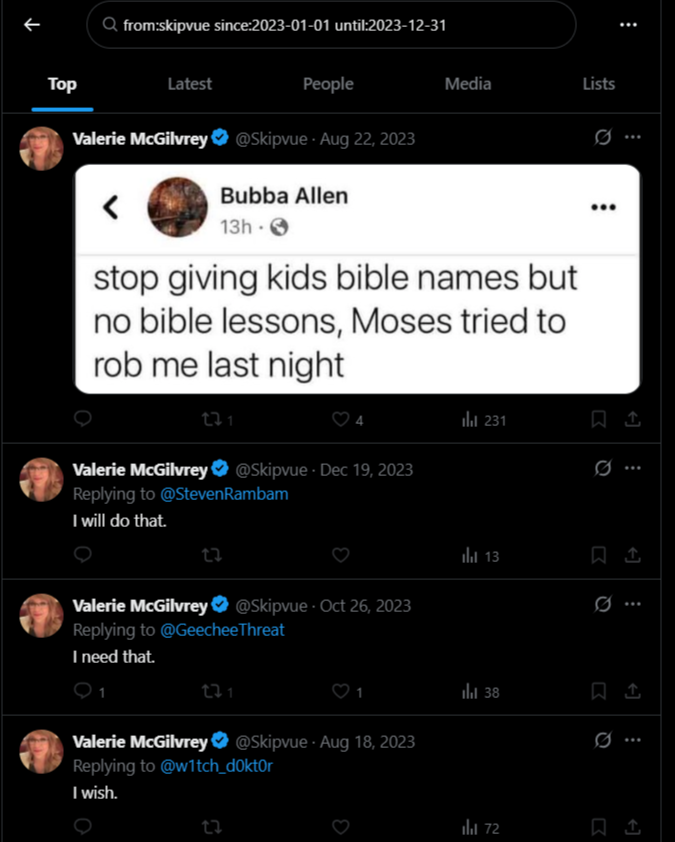
from:JohnDoe123 until:2024-01-01 - Between two dates
from:JohnDoe123 since:2023-01-01 until:2023-12-31
4. Location-Based Filters
Great for geolocating tweets or incident tracking.
- Tweets near a location
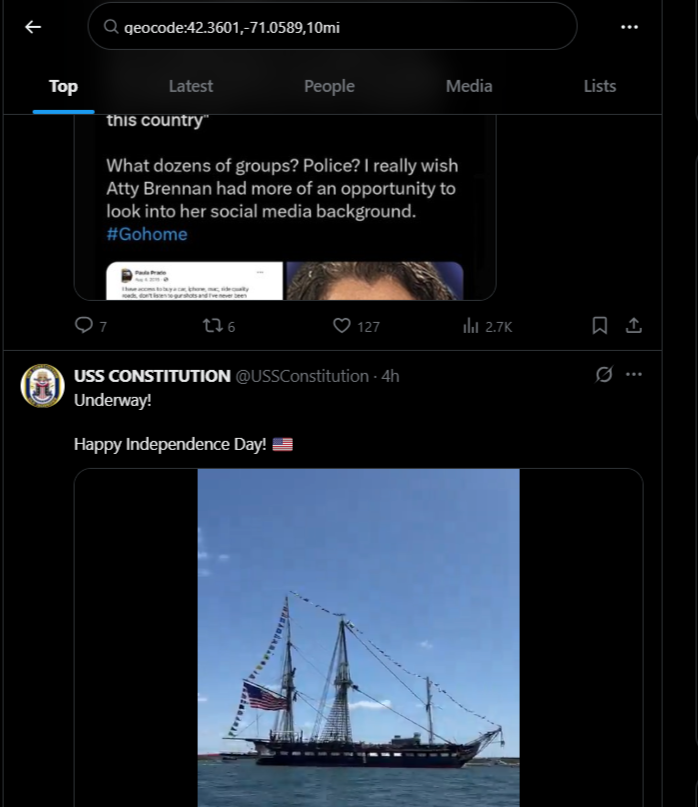
near:"Boston" - Geo-tagged tweets
geocode:42.3601,-71.0589,10mi
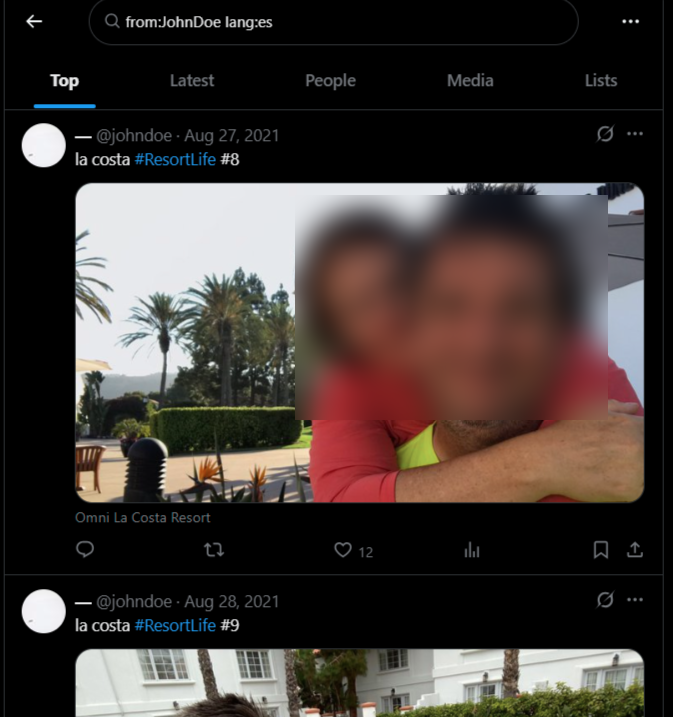
5. Language Filtering
Limit results by language to streamline investigations.
- English tweets
from:JohnDoe123 lang:en - Spanish tweets
from:JohnDoe123 lang:es - French tweets, no retweets
from:JohnDoe123 lang:fr -filter:retweets
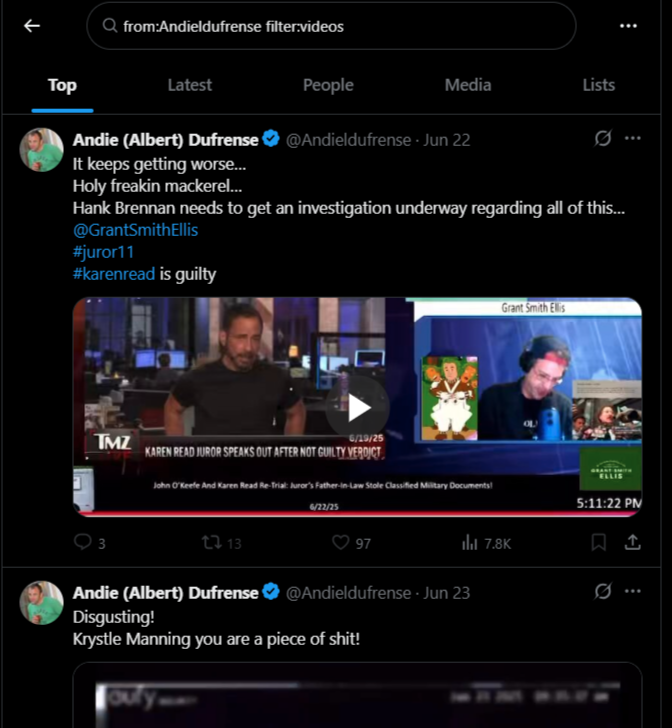
6. Media Content Filters
Focus on visual evidence such as photos or video.
- Tweets with images
from:JohnDoe123 filter:images - Tweets with videos
from:JohnDoe123 filter:videos - Any media type
from:JohnDoe123 filter:media
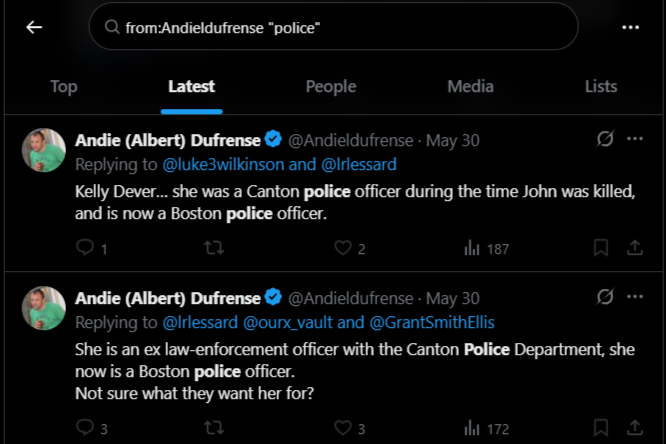
7. Combining Keywords and User Activity
Add keywords to refine user tweet searches.
- Keyword from user
from:JohnDoe123 "investigation" - Exclude specific keyword
from:JohnDoe123 -"vacation"
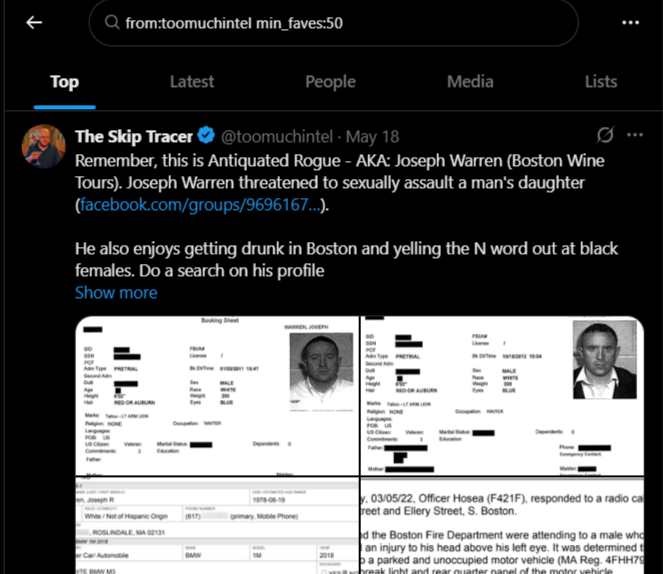
8. Minimum Engagement Filters
Useful for finding viral or widely acknowledged content.
- Minimum likes
from:JohnDoe123 min_faves:100 - Minimum retweets
from:JohnDoe123 min_retweets:50 - High-engagement keyword
"breaking news" min_faves:500 min_retweets:100
9. Tweet Type Filters
Focus on original content or specific formats.
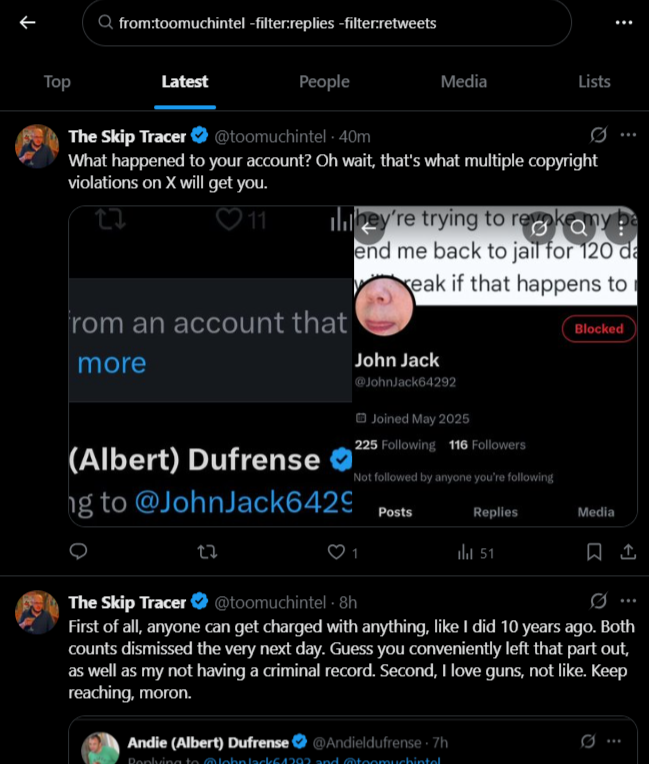
- Original tweets only
from:JohnDoe123 -filter:replies -filter:retweets - Only replies
from:JohnDoe123 filter:replies - Only retweets
from:JohnDoe123 filter:retweets
10. URL and Domain-Specific Filters
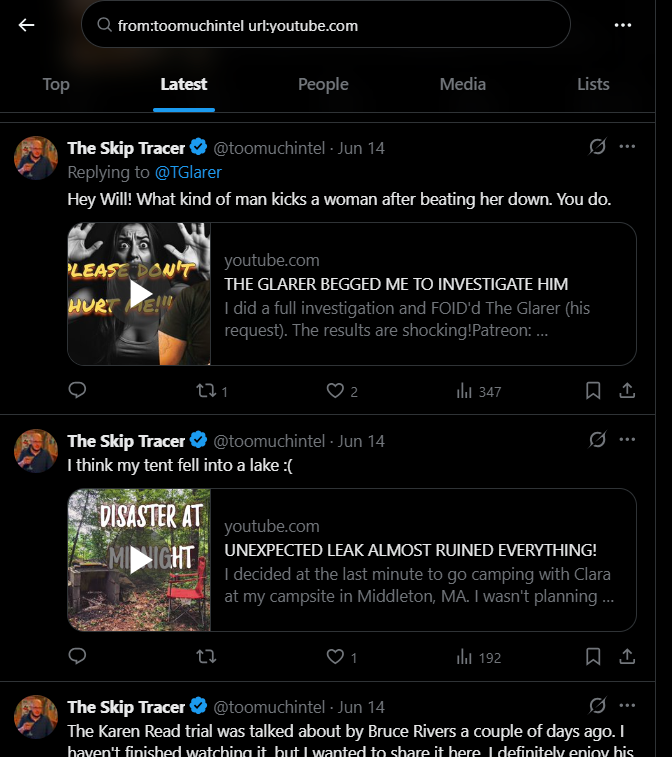
Identify content linked to certain websites. This is a great way to identify some users by the links they might have shared early on.
- Includes domain
from:JohnDoe123 url:youtube.com - Exclude domain
from:JohnDoe123 -url:facebook.com
Final Thoughts
Whether you’re examining a subject’s digital footprint or monitoring public sentiment during events, mastering these search strings can significantly up your game.
Consider joining Skiplook.com for member-only articles, mini-courses, and time-saving custom-made investigative tools.